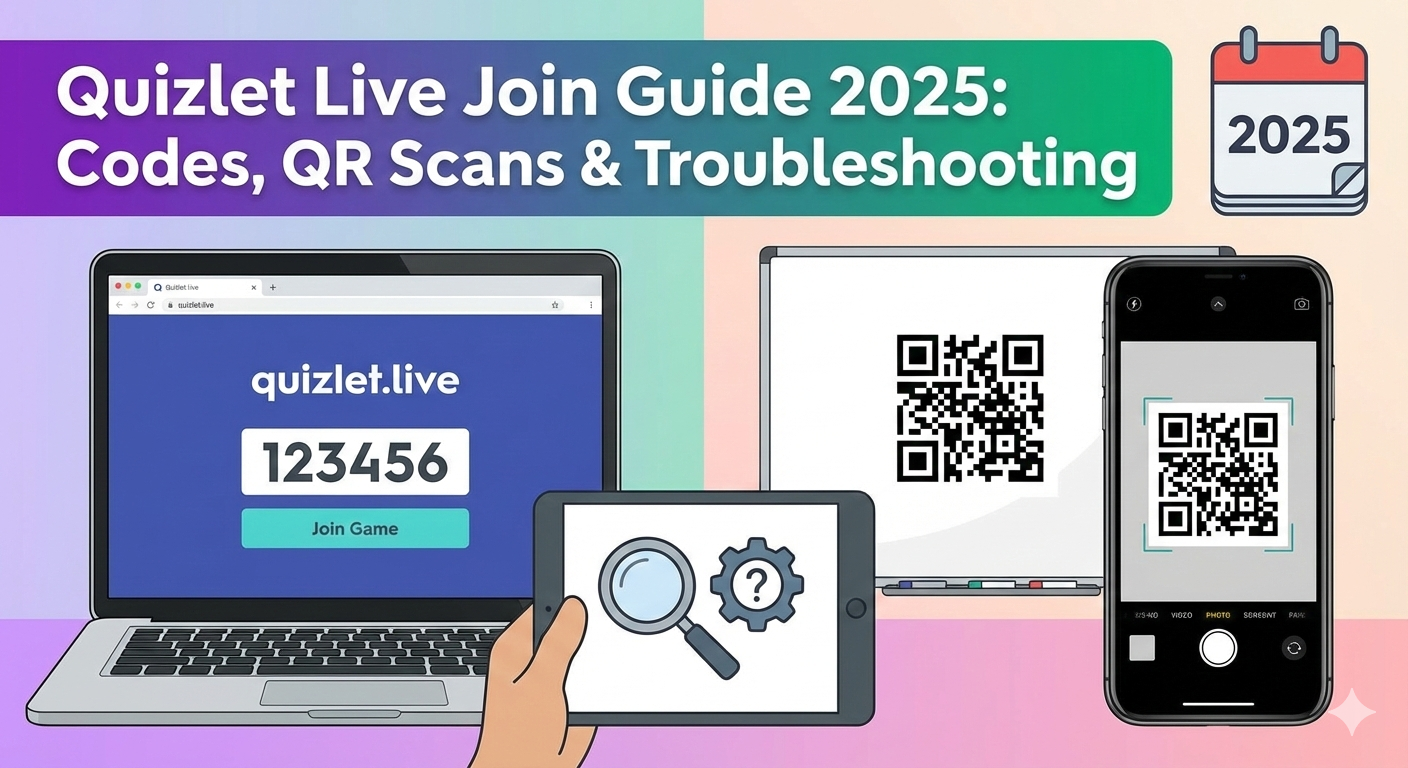
As digital classrooms continue to evolve, Quizlet Live remains one of the most popular collaborative learning games in schools worldwide. In late 2025, the platform has integrated smoother access points and AI-driven stability, but the core question for students remains the same: How do I get into the game quickly?
Whether you are a student rushing to join a session before the timer starts, or a teacher troubleshooting connection issues, here is the complete guide to navigating the “Quizlet Live Join” process in the current academic year.
How to Join a Quizlet Live Game (2025 Updated Methods)
Joining a session is streamlined into two primary methods. Students do not need a paid account to participate, but they do need the unique 6-digit game code provided by their instructor.
Method 1: The Browser Route (Laptop/Chromebook)
This remains the standard for most classrooms.
- Go to the Hub: Navigate to www.quizlet.live in your web browser.
- Enter the Code: Type in the 6-digit join code displayed on the teacher’s screen.
- Identity: Enter your name. (Tip: Teachers often prefer real names for grading purposes).
- Lobby: You will be placed in the waiting lobby until the teacher starts the game and assigns teams.
Method 2: The QR Code (Mobile/Tablet)
For classrooms using iPads or smartphones, the process is even faster.
- Open the Quizlet App (iOS or Android).
- Tap the Search icon or look for the “Play” button.
- Select “Join a game” and use your camera to scan the QR code projected on the teacher’s screen.
- This bypasses the need to type the 6-digit code manually.
What’s New in 2025?
While the classic “Team Mode” mechanics remain beloved, Quizlet has introduced subtle backend improvements:
- AI-Enhanced Stability: The “kick-out” rate (students getting dropped from games due to Wi-Fi blips) has been significantly reduced with better reconnection protocols.
- Individual Mode: Now more robust for remote learning or homework assignments, allowing students to compete against the class leaderboard from home without needing a physical team.
Troubleshooting: “I Can’t Join!”
If you are stuck on the loading screen or getting an “Invalid Code” error, check these common 2025 fixes:
- The “Space” Error: Ensure you haven’t accidentally typed a space after the 6-digit code.
- School Network Blocks: Some school Wi-Fi networks block the specific
quizlet.livedomain while allowing the main site. Try switching to mobile data (if allowed) to verify if it’s a network issue. - Browser Cache: If the page loops, clear your browser cache or try opening the link in an “Incognito” or “Private” window.
Why It Matters
Quizlet Live isn’t just a game; it’s a “soft skills” trainer. By forcing students to communicate—since the correct answer might be on a teammate’s screen, not their own—it builds collaboration alongside vocabulary retention. As we move into 2026, educators expect these gamified, social learning tools to become even more central to the curriculum.





Leave a Reply